Connect a domain
Add any domain you own to Reloop, configure DNS, verify authentication, and start sending email from your brand.
Reloop can send (and optionally receive) email for any domain you control. You do not need to buy the domain from Reloop — register it anywhere, point DNS at the records Reloop shows you, and verify.
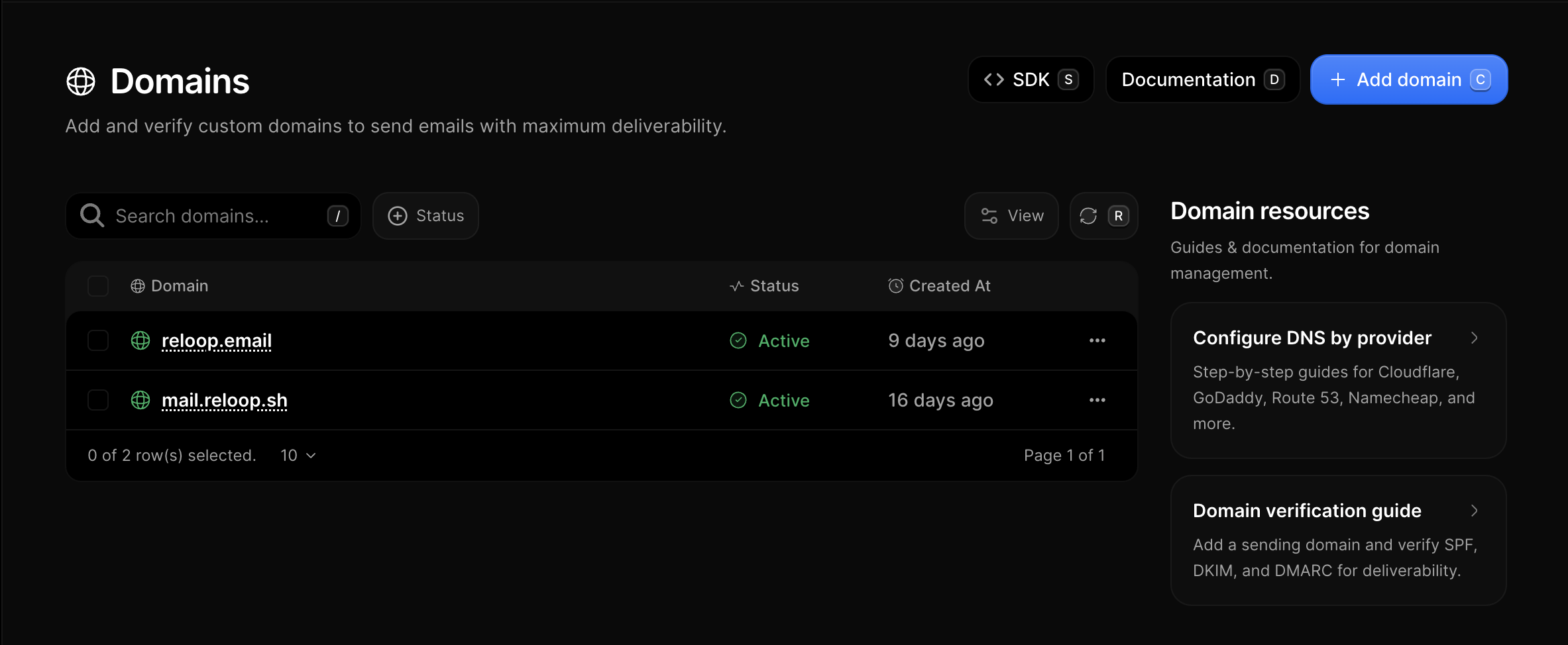
The Domains page lists every sending domain in your organization, with status and shortcuts to DNS guides.
What you will do
Add the domain in Reloop
Open Domains and click Add domain. Enter example.com or a subdomain like mail.example.com.
Find where DNS is managed
Reloop detects your nameservers when possible. If you are unsure who hosts DNS, see Find your DNS provider.
Publish Reloop DNS records
On the domain page, follow the banner Reloop shows for your DNS host — see below.
Verify
Click Verify (or wait for automatic checks). When status is active, you can send from that domain.
Configuring DNS from the banner
After you add a domain, Reloop shows a banner based on the nameservers it detected.
- If the banner names your DNS host and offers Auto populate, click it. Approve the consent screen at your provider and Reloop’s records are written for you. More detail: Auto populate.
- If the banner does not offer Auto populate (or you prefer not to use it), copy the Type / Host / Value rows from the dashboard into your DNS panel. More detail: Manual setup and the DNS guides.
Either way, Reloop checks public DNS afterward and marks the domain verified when the records match.
New to DNS?
Start here — you do not need to be a network engineer:
- What is a domain?
- What is DNS?
- Registrar vs DNS host
- Find your DNS provider
- DNS records Reloop needs
Full map
- Setup — Add a domain · What is a domain? · Sending vs receiving
- DNS guides — All DNS hosts
- Verification — Statuses · Propagation
- Troubleshoot — Domain not verifying and more
- After connect — Test · Change DNS · Remove
Was this page helpful?
- Need help? Contact Support.
- Chat with Reloop developers on Discord.
- Check out our changelog.
- Questions? Contact Sales.
- LLM? Read llms.txt.